Video Demonstration
Watch the video below for a visual demonstration of how to inspect
and adjust a Dexter coin drop.
Model configurations may differ
Coin mechanisms and adjustment points can vary between Dexter
washer and dryer models. Use the video as a general reference
and follow the service procedures for your specific machine.
What Is a Dexter Coin Drop?
The coin drop is the payment mechanism that accepts coins and
signals the washer or dryer to begin a cycle once the required
payment has been received.
Depending on the machine model, the coin drop may work with:
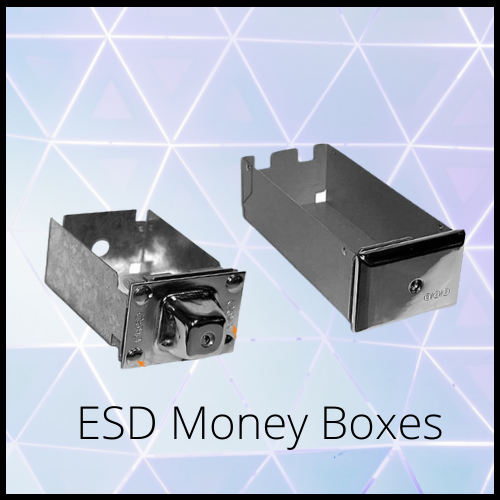
Coin Boxes
Coin Vaults
Electronic Controls
Card-Ready Payment Systems
A properly adjusted coin drop helps improve payment accuracy and
provides a better experience for your customers.
Signs Your Coin Drop May Need Adjustment
You may need to inspect or adjust the coin drop if your Dexter
machine:
- Rejects valid coins
- Requires multiple attempts before accepting payment
- Does not start after payment
- Frequently jams coins
- Accepts some coins but rejects others
- Feels difficult to operate
The coin drop may not be defective
These symptoms do not always mean the coin drop is defective.
Dirt, worn parts, bent components, or damaged coins can produce
similar problems.
Before You Begin
Complete the following safety and preparation steps before
servicing the coin drop:
- Disconnect electrical power to the machine
- Remove coins from the coin box or vault
- Confirm the machine model and serial number
- Follow Dexter’s model-specific recommendations
- Work in a clean and organized area
- Keep small hardware and adjustment parts together
Do not service an energized machine
The coin mechanism may connect to switches, wiring, or electronic
controls. Disconnect power before removing service panels or
handling internal payment components.
What the Adjustment Typically Involves
The exact adjustment procedure varies by Dexter model, but it
generally includes the following steps.
1
Inspect the Coin Mechanism
Examine the coin drop and surrounding payment components for
visible dirt, wear, damage, looseness, or obstructions.
Check for:
- Dirt or lint buildup
- Bent or worn components
- Loose mounting hardware
- Coin obstructions
- Damaged moving parts
Cleaning the mechanism may resolve some payment issues without
further adjustment.
2
Verify Coin Alignment
The coin path should allow the correct coin size to move
smoothly through the mechanism.
Improper alignment may cause:
- Coin rejection
- Coins sticking inside the mechanism
- Missed payment registration
3
Adjust the Coin Drop
If adjustment is needed, follow Dexter’s recommended
specifications for your machine model.
Avoid making unnecessary adjustments that could affect payment
accuracy or cause additional coin-handling issues.
4
Test the Coin Drop
Restore power only after the mechanism and service panels have
been properly reassembled.
- Insert several valid coins
- Verify smooth coin movement
- Confirm the machine registers payment correctly
- Check that rejected coins return properly
Testing helps ensure the mechanism operates consistently before
returning the machine to service.
What Causes Coin Drop Problems?
Coin drop issues are not always caused by improper adjustment.
Dirty Coin Paths
Dust, lint, dirt, or residue may prevent coins from moving
smoothly through the mechanism.
Worn Coin Slides
Repeated use can wear the slide, guides, levers, and other
moving components.
Bent Components
Bent brackets or internal components can interfere with proper
coin alignment.
Damaged Springs
Weak, stretched, disconnected, or broken springs may prevent
proper movement or return.
Foreign Objects
Incorrect coins, debris, tokens, or other objects may become
lodged inside the mechanism.
Faulty Switches
A worn or misaligned payment switch may fail to register a coin
even when the mechanism moves normally.
Electronic Control Issues
A control board or payment interface problem may prevent the
machine from recording the required payment.
Diagnose before replacing the assembly
Proper diagnosis can help determine whether cleaning, adjustment,
repair, or complete replacement is the best solution.
Preventive Maintenance Tips
Routine maintenance can help reduce payment problems and improve
customer satisfaction.
- Clean the coin mechanism regularly
- Remove dust, lint, and debris
- Inspect moving parts for wear
- Tighten loose mounting hardware
- Test payment operation during routine maintenance
Keep the payment system clean
Keeping the payment system clean can help reduce service calls,
coin jams, customer complaints, and unexpected machine downtime.
Need Dexter Coin Drop Parts?
123 Laundry Solutions supplies OEM and replacement parts for many
Dexter commercial washers and dryers, including:
Coin Drops
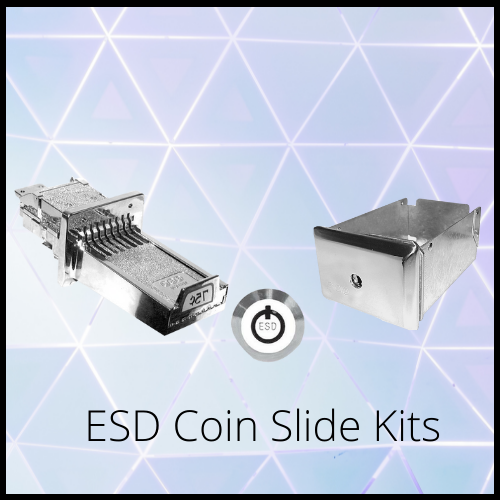
Coin Slides
Coin Boxes
Coin Vaults
Payment System Components
Switches
Electronic Control Boards
If you are unsure which replacement part fits your Dexter machine,
our team can help verify compatibility using your model and serial
number.
Frequently Asked Questions
Why won’t my Dexter washer or dryer accept coins?
Common causes include a dirty coin mechanism, improper
adjustment, worn components, damaged coins, or problems with
the payment system.
Can I adjust the coin drop myself?
Basic inspection and cleaning may be possible, but
adjustments should follow Dexter’s service
recommendations for your specific model.
Should I replace the coin drop if it is not accepting coins?
Not always. Cleaning, proper adjustment, or replacing worn
components may solve the problem without replacing the entire
coin drop assembly.
Can a faulty coin drop prevent the machine from starting?
Yes. If the machine does not detect the required payment, the
wash or dry cycle may not begin.